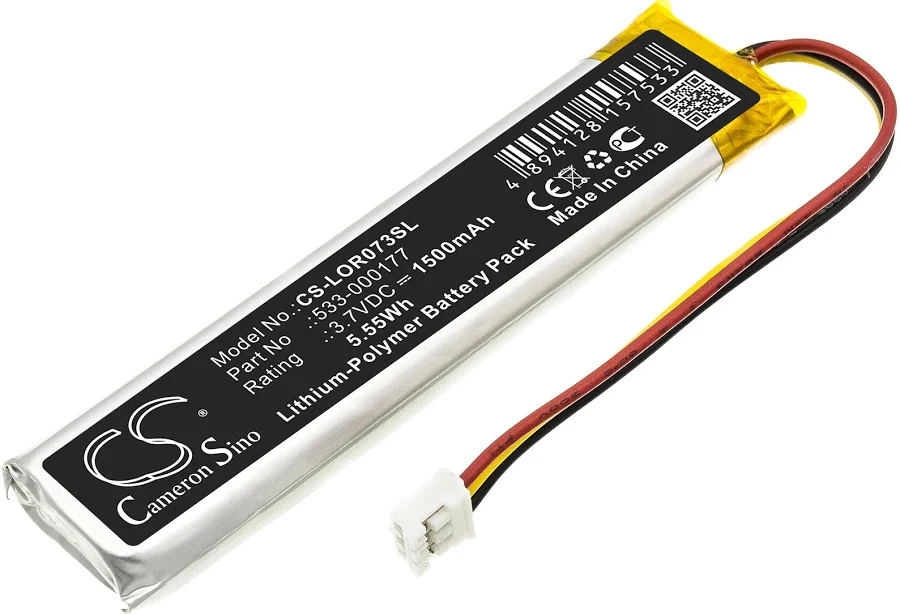
MX Keys battery (PC + Mac) replacement key Parts & Tools Black for Logitech MX Keys
MX Keys battery (PC + Mac)Spare parts
In stock
Specifications
- Category
- Spare parts
- Keyboard layout
- Parts & Tools
- Compatibility
- MX Keys / MX Keys Mini / MX Keys S
- Color
- Black
- Size
- 1U (standard)
About the MX Keys battery (PC + Mac) replacement key
This is a genuine-fit replacement MX Keys battery (PC + Mac) key for the Logitech MX Keys, supplied with its key cap hinge so you can fix a broken, missing or unresponsive key instead of replacing the whole keyboard. Each order is the single MX Keys battery (PC + Mac) key shown — pick exactly the key you need and keep typing in minutes.
Compatibility
This MX Keys battery (PC + Mac) part is universal: it fits every Logitech MX Keys layout and the whole MX Keys, MX Keys S, MX Keys Mini and MX Keys for Mac family, which share the same low-profile key profile. No layout matching required.
Why the MX Keys battery (PC + Mac) key fails
MX Keys battery (PC + Mac) is a replacement mechanism rather than a printed cap — the part that actually lets a key click and spring back. When a key still wobbles or stays flat after swapping the cap, this is usually the piece that needs replacing. Replacing the single key is far cheaper than a new keyboard and takes only a moment.
How to install it
Replacing the MX Keys battery (PC + Mac) key takes under a minute and needs no tools. Line the new cap up over the white scissor hinge and press straight down until you feel a soft click. The plastic key cap hinge is included, so you can also fix a key that lost its clip — not just the visible cap.
MX Keys battery (PC + Mac) key — questions
- Does this MX Keys battery (PC + Mac) key fit my Logitech MX Keys?
- Yes. This part is universal and fits the whole MX Keys, MX Keys S, MX Keys Mini and MX Keys for Mac family regardless of layout.
- Is the hinge included with the MX Keys battery (PC + Mac) key?
- Yes. Every MX Keys battery (PC + Mac) replacement ships with the scissor key cap hinge and the rubber dome cup, so you can repair a key that lost its clip or no longer springs back — not only a cracked cap.
- My MX Keys battery (PC + Mac) key still doesn't work after I replaced the cap — why?
- If the key was unresponsive rather than just physically broken, the fault is usually the scissor hinge or the rubber cup underneath. Both are included here, so replace the full mechanism and test again.
Similar keys
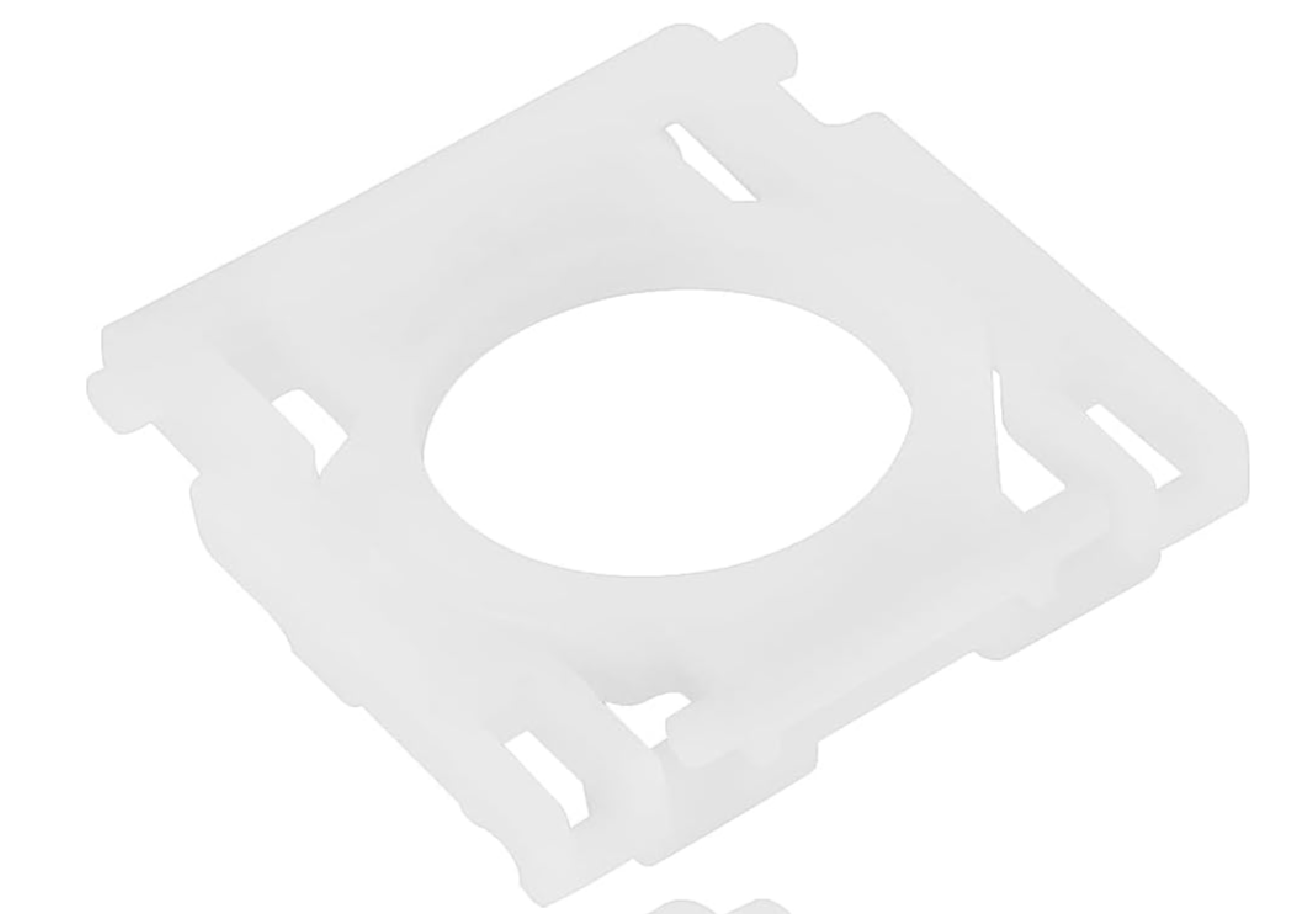
1 Hinge / Charnière standard MX Keys
3 €
1 Hinge pour touche MX Keys
5 €
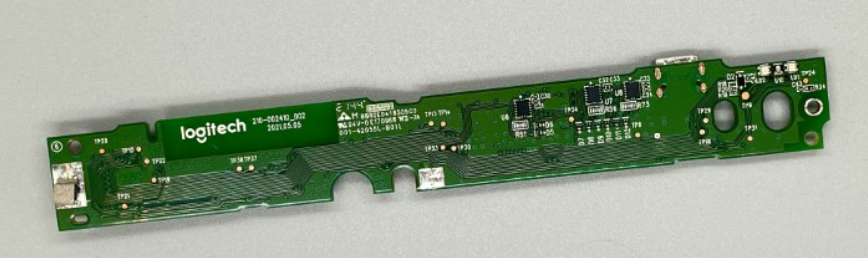
Carte mère MX Keys AZERTY (FR) — Mac
15 €
Carte mère MX Keys AZERTY (FR) — PC
15 €
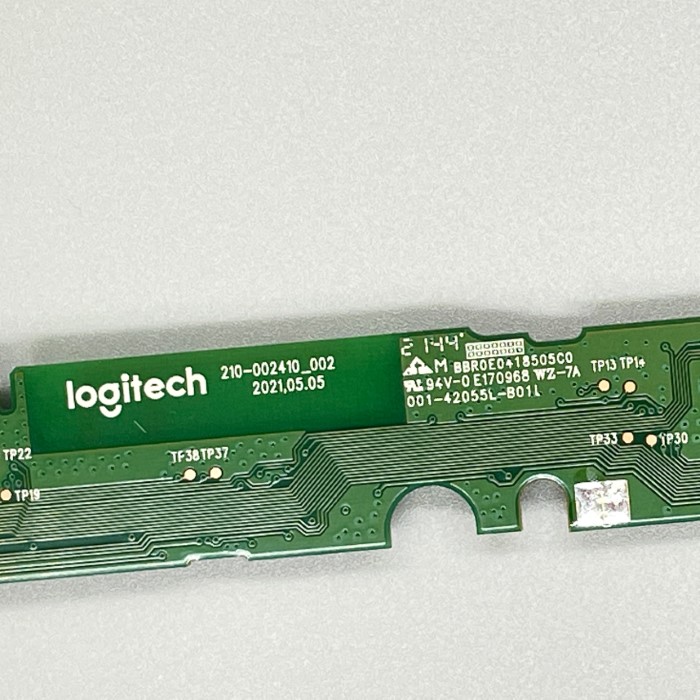
Carte mère MX Keys Mini AZERTY (FR)
15 €
Carte mère MX Keys Mini QWERTY (UK)
15 €
Carte mère MX Keys Mini QWERTY (US INT)
15 €
Carte mère MX Keys QWERTY (EN) — Mac
15 €